Access Management Console
Navigate to the Manage Users section in your Crown dashboard to begin setting up webhooks.
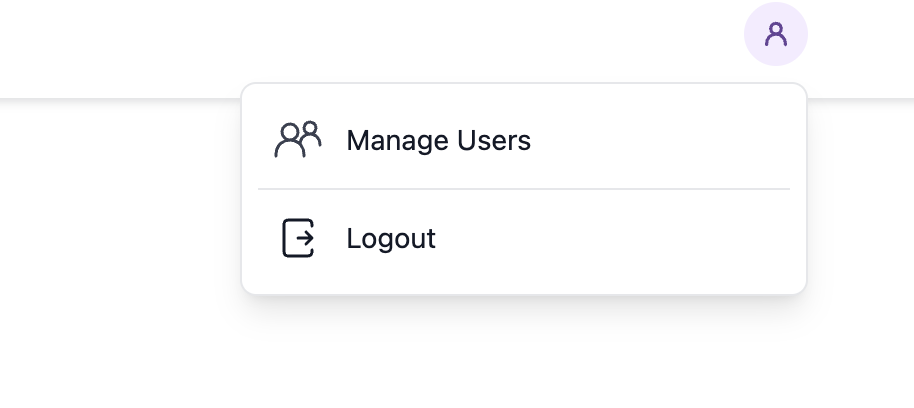
Register Your Webhook URL
- Enter your webhook endpoint URL in the Webhook URL field (e.g.,
https://your-app.com/webhooks)
- Click Register Webhook
 Your webhook will be immediately active and begin receiving events.
Webhook Events
Your registered endpoint will receive POST requests for the following events:
- deposit-processed - When a deposit has been successfully processed
- order-completed - When a currency conversion order completes
- token-transfer-completed - When a token transfer finishes
- withdraw-completed - When a withdrawal is processed
- claim-completed - When a yield claim is completed
See the Webhooks API Reference for detailed payload schemas.
Managing Webhooks
You can manage your registered webhooks directly from the dashboard:
- Pause - Temporarily stop receiving webhook events without deleting the registration
- Remove - Permanently delete the webhook registration
Ensure your webhook endpoint returns a 200 OK response quickly (within 5 seconds) to acknowledge receipt. Failed webhooks may be retried automatically.
Webhook Security
All webhook requests include an X-Crown-Signature header containing an HMAC-SHA256 signature. Verify this signature to ensure the request is authentic. See the API Reference for verification examples.
