

Access Management Console
Navigate to the Manage Users section in your Crown dashboard to begin setting up your API keys.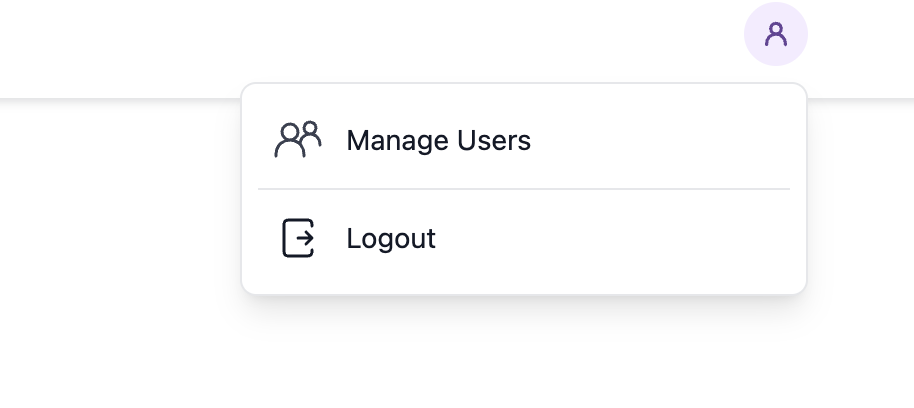
Generate Your Key Pair
Before creating an API key in the dashboard, you need to generate an RSA key pair. Run these commands in your terminal:Register Your Public Key
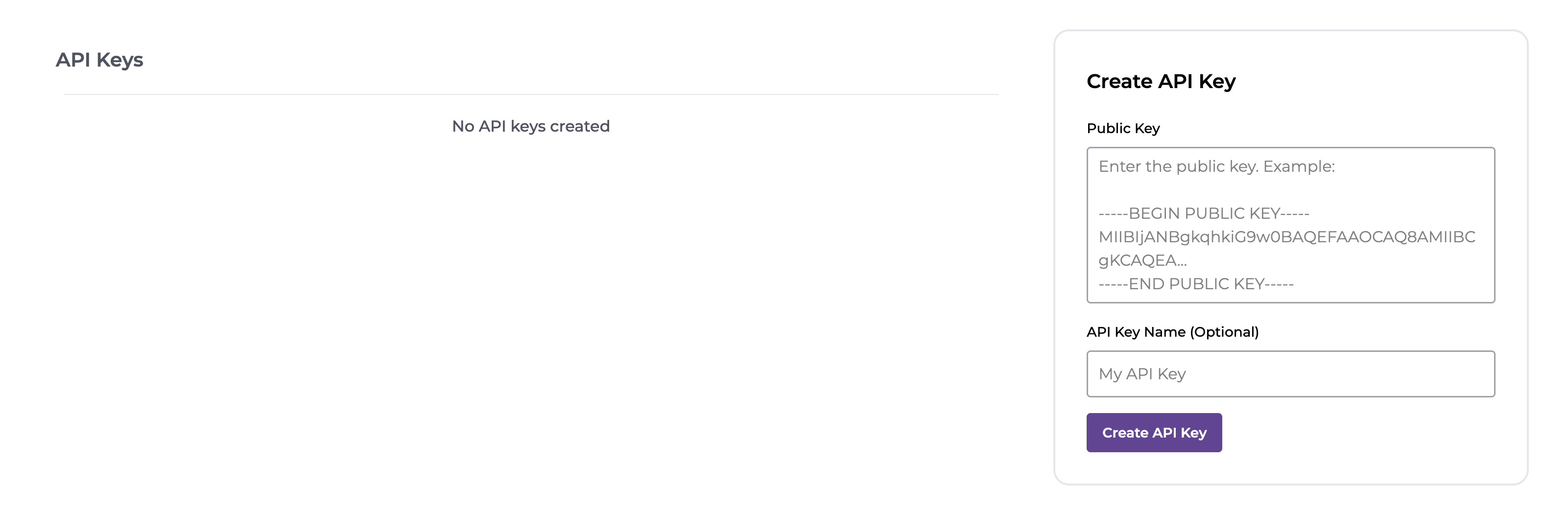
- Copy the entire contents of your
public-key.pemfile (including the-----BEGIN PUBLIC KEY-----and-----END PUBLIC KEY-----lines) - Paste it into the Public Key textarea
- Optionally, give your API key a descriptive name to help identify it later
- Click Create API Key
Next Steps
Once your API key is created, you’ll need to use your private key to authenticate your requests. See the Authentication Guide for detailed instructions on signing requests with your private key.You can create multiple API keys for different applications or environments. Each key can be revoked independently if needed.